Your photos, turned into art in hundreds of looks.
Choose a look, add a photo, and Portrait Art creates a picture from it with AI: portraits in charcoal, watercolour or oil, headshots, couples, friends and family together, you and your pet, travel scenes and more. An imagined baby is a fictional illustration, made for fun from photos of two consenting adults.
The free trial lasts 3 days or 3 trial credits, whichever comes first, with no card needed. After that, creating portraits requires a subscription. Browsing looks, viewing, saving and sharing the portraits you already have, and managing your account and subscription do not.
Portrait Art has not launched yet. The app is not in either store and nothing on this page is available today. We will update it at launch.
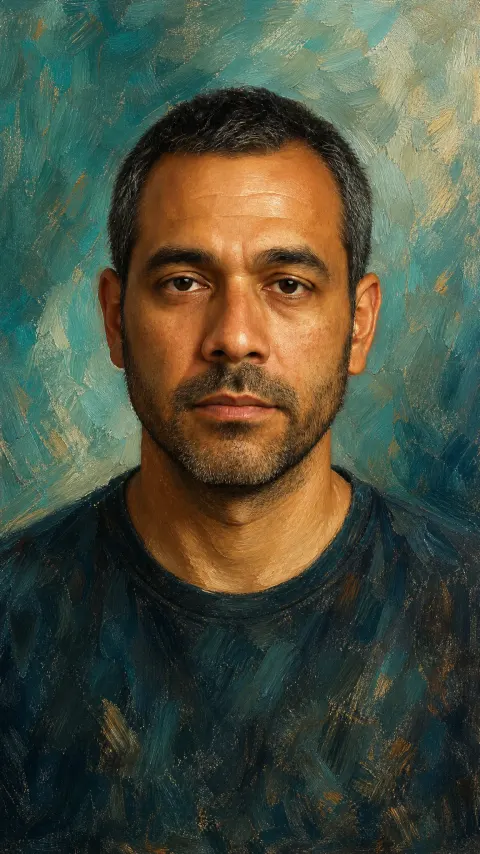
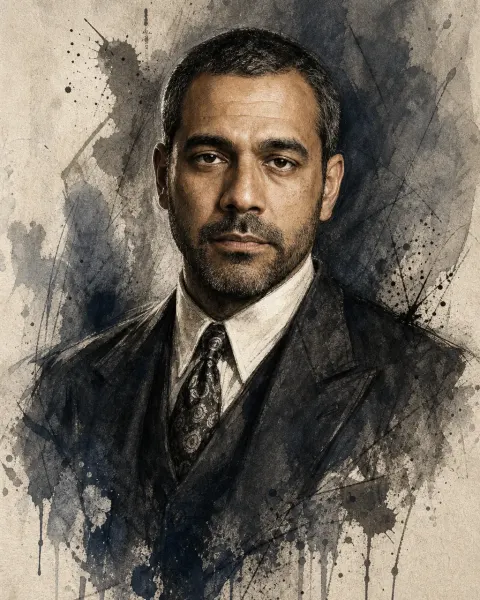
Your photo, many looks
Hundreds of looks: portraits as art, headshots, couples and groups, pets, travel and more. A few examples:
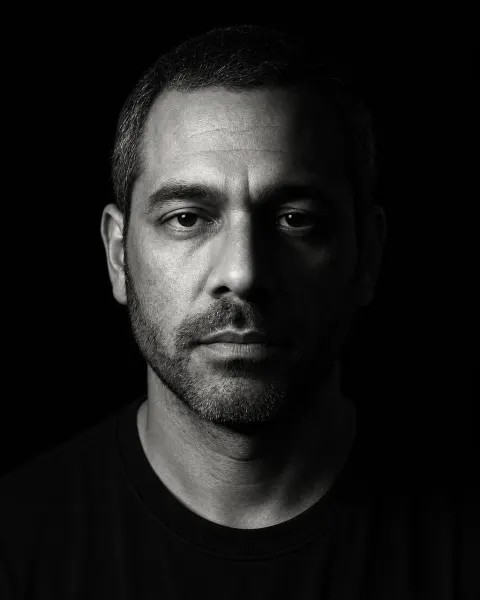
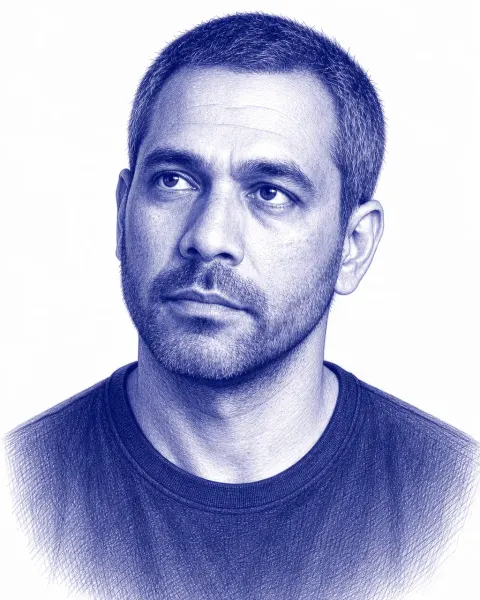
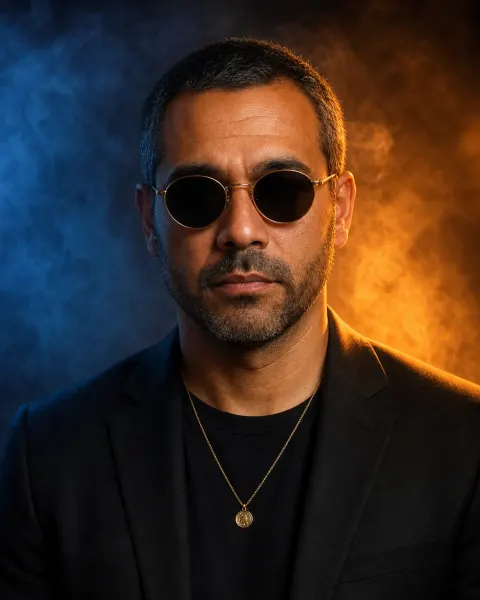
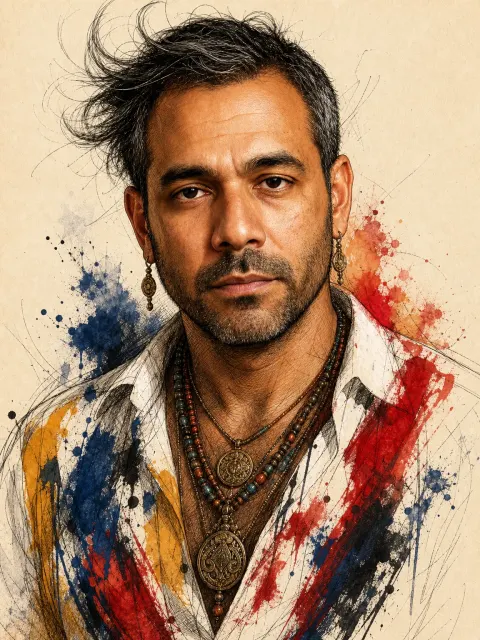
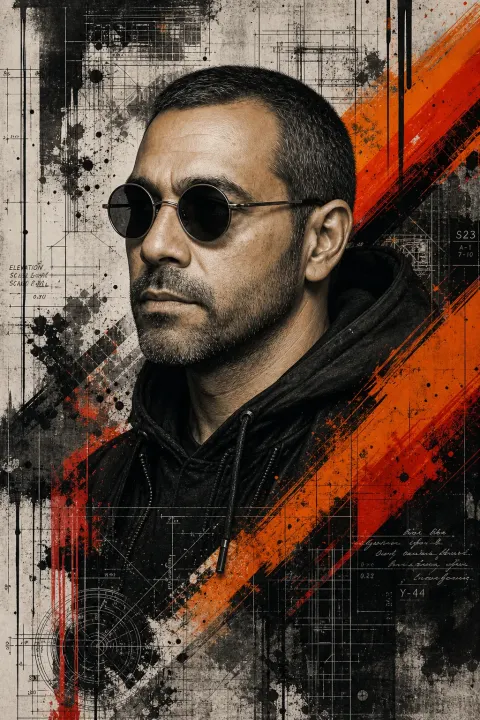
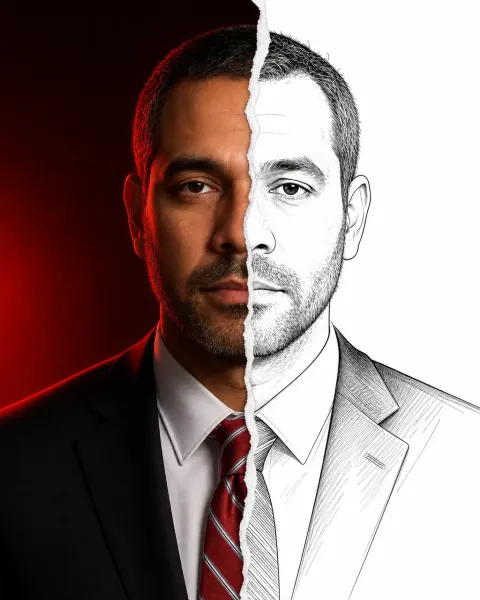
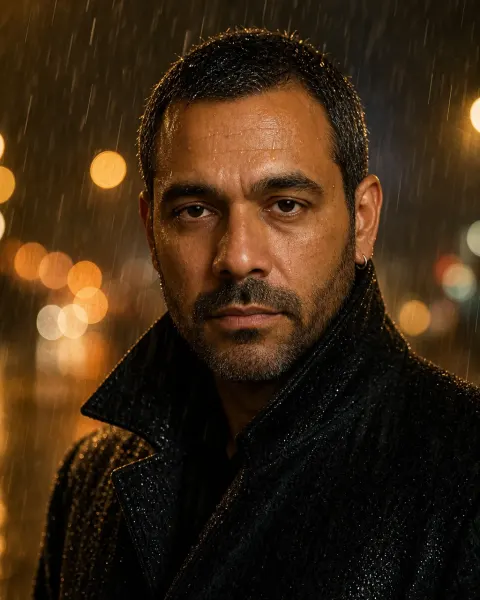
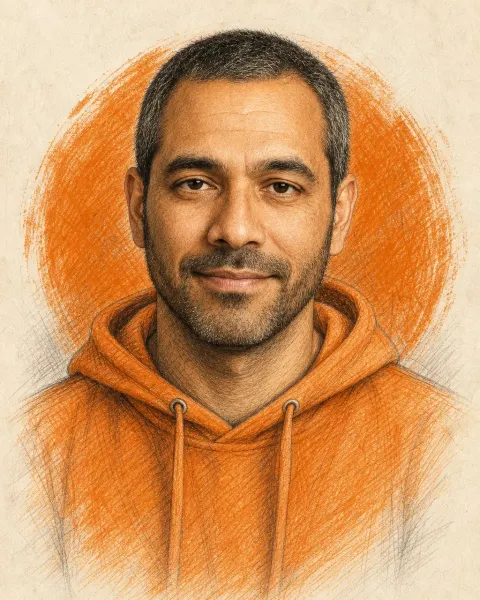
Examples were made with Portrait Art from a fictional reference sitter, not a real person. Portraits are generated by AI: results vary and may not closely resemble the person.
Photographic
- Split-Light Studio
- Golden Hour Editorial
- Foggy Forest Double Exposure
- Cityscape Silhouette
- Long-Exposure Motion Trails
- Rainy Night Cinematic
- Neo-Noir Smoke Portrait
- Colour Pop Studio
- Golden Hour Silhouette
- Monsoon Triple Exposure
- Shoreline Double Exposure
- Ancestral Roots
Painted
- Turquoise Oil Painting
- Impasto Gangster
- Ink & Watercolour Portrait
- Watercolour Double Exposure
- Sage Watercolour Collage
- Saree Watercolour Portrait
- Anarkali Watercolour
Drawn
- 1920s Charcoal Portrait
- Architectural Pencil Sketch
- Blue Ballpoint Sketch
- Pencil Sketch & Orange
- Adventurer Character Sheet
Collage
- Trash Polka Collage
- Digital Mosaic Portrait
- Half Photo, Half Sketch
How it works
Three steps, and you never write a prompt.
Pick a look
Browse the gallery by category. Looks with an example image show the style before you spend a credit.
Add a photo
Take one with the camera, or choose one from your photo library or Files. Some looks ask for more than one photo.
Get your portrait
It is created with AI in the cloud and appears in Works. Turn on notifications to hear when it is ready, then save it to Photos or share it.
Weekly plans
After the free trial (3 days or 3 trial credits, whichever comes first, no card), Portrait Art requires a subscription to create portraits. Browsing looks, viewing, saving and sharing the portraits you already have, and managing your account and subscription do not. One portrait uses one credit; portraits that include two or more people (up to four) use two credits. Credits can be used during the free trial and with a plan; if a plan ends or is cancelled, the credits you have left stay usable until they run out.
Planned prices in US dollars, through the App Store or Google Play. Prices may vary by country and store; the prices in your currency are shown in the app before you buy. The plans are auto-renewing subscriptions: they renew automatically every week at the same price until cancelled. To change your plan, use your store's subscription settings: an upgrade applies immediately, the store adjusts the charge, and your credits are kept. A downgrade applies at the next renewal. Subscribers can also add credits with a one-time purchase that does not renew and does not change the plan. Outside the free trial, the app gives no credits. To cancel a subscription: on iPhone and iPad in Settings > Apple Account > Subscriptions; on Android in Google Play > Payments & subscriptions > Subscriptions. A request that is refused or fails uses no credit: any credit set aside for it is returned automatically. If a plan ends or is cancelled, the current week is not refunded, and you can keep using the credits you have left until they run out. Credits have no cash value.
Your photos, handled with care
The short version. The Privacy Policy has the details.
Deleted when it is done
Our service deletes its copy of your photo as soon as your portrait is finished, or its credit is returned. Your portraits are kept in the app on your device, not on our service: save or share the ones you want to keep.
Processed by OpenAI
A reduced copy of your photo is sent to our AI provider, OpenAI. Its models first check automatically that the photo suits the look, and can refuse it without using a credit, then create the portrait. Nobody is identified. You choose a look; we write the instructions.
Never used for training
We do not use your photos to train AI models, and OpenAI does not use them for training by default.
No sign-up, analytics optional
No login, name or email. No advertising. Usage analytics can be turned off any time in Account → Privacy choices.

Coming soon to the App Store and Google Play
Portrait Art is on its way to iPhone, iPad and Android. Questions in the meantime? Email support@smartharmonyai.com or read Support.